Booking Experts Logo Light
EN
Select preferred language

Self-service on site

BEX Kiosk


Book, extend and check in on the spot. 

Your reception, open 24/7. With BEX Kiosk guests check in, pay, get access and even book or extend a stay themselves. Inside or outside, in 7 languages, and fully connected to BEX PMS.


Open 24/7

Guests don't stick to opening hours. Now your park doesn't have to either.

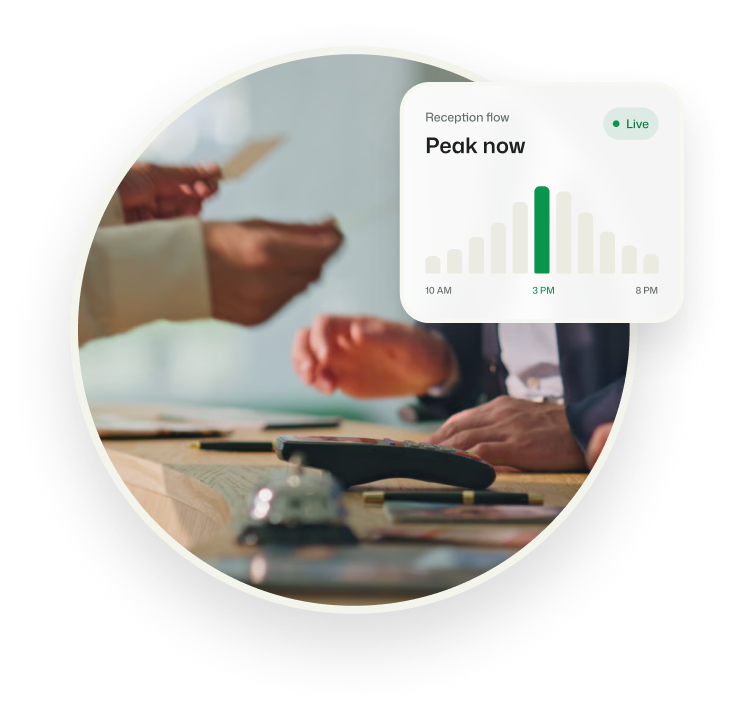
Late arrivals, drive-ups and queues at peak check-in times all put pressure on your reception. BEX Kiosk gives guests the freedom to arrive, check in and manage their stay on their own terms. Your team can then focus on the guests who need them most.

Built for busy parks

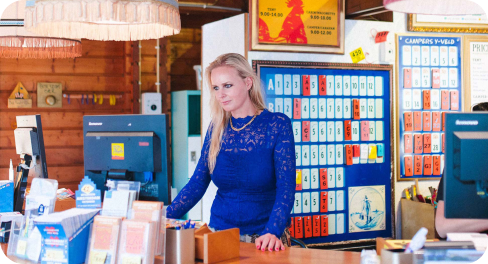
When reception can't be everywhere

BEX Kiosk was made for situations like these:

  • You miss late arrivals once reception closes
  • Queues build up at the desk during peak hours
  • You run with a small team, or want to keep reception hours lean
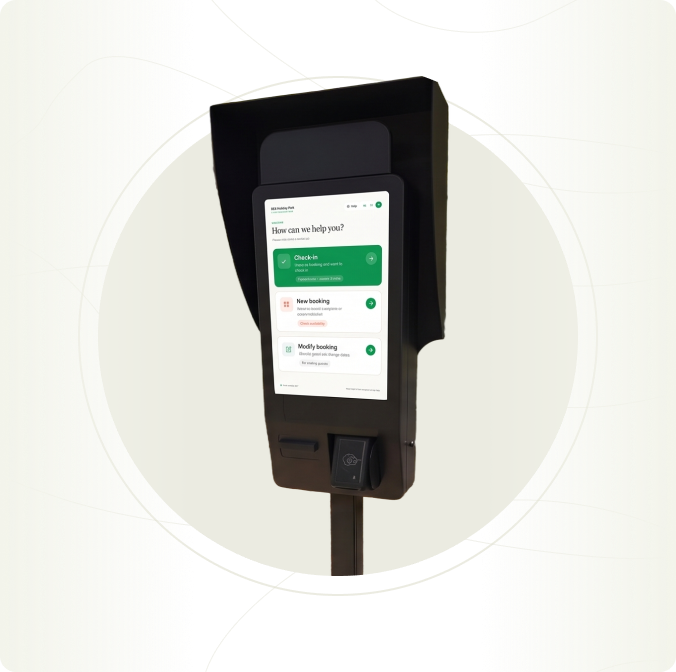
 

BEX Kiosk - 24/7 open
Your reception, open 24/7

Check in, any time

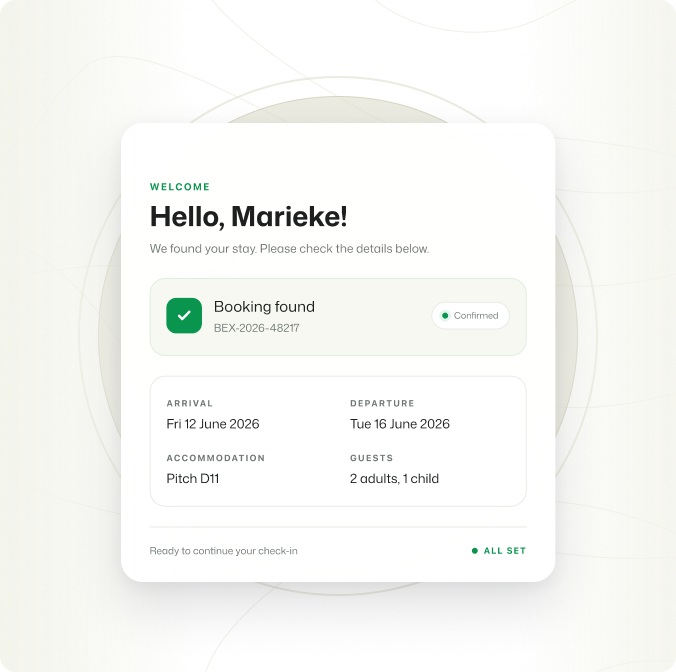
Guests find their booking and check in themselves, even late in the evening. Already checked in online? The kiosk picks up where they left off.

  • Find a booking by number or guest name
  • Available in 7 languages
Illustration 14
More than a check-in

Book and extend on the spot

Drive-ups book a stay without waiting for reception. Guests who are enjoying their stay add a night without queuing.

  • Pick a spot on the interactive site map
  • Extend or shorten a stay, based on live availability 
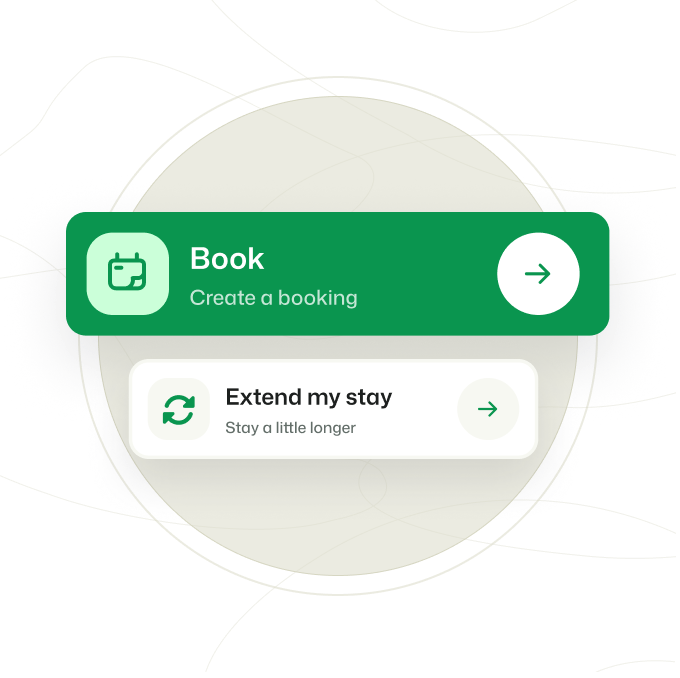
BEX Kiosk: Book and extend
Less waiting, less pressure

An extra desk at peak times

On busy arrival days, BEX Kiosk works as an extra queue next to your front desk. Your team has more time for guests who need help.

  • Works during and after opening hours
BEX Kiosk: extra desk
From payment to barrier in one go

Pay and get access

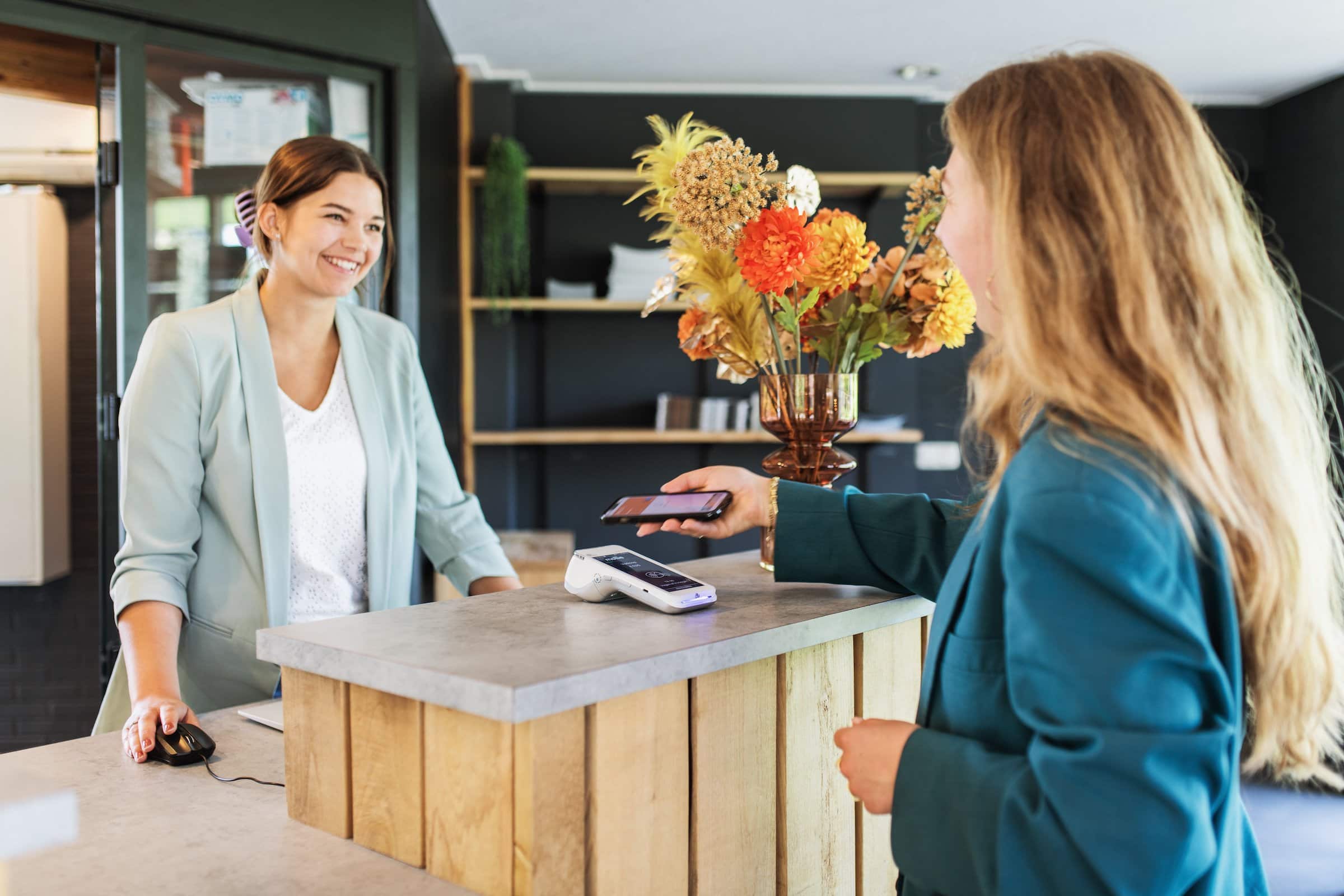
Guests pay on the terminal with BEX Payments, then receive a digital key card or digital code. Registered license plates work with your barrier.

  • Automatic reconciliation via BEX Payments
  • Key card, digital code or barrier/ANPR access
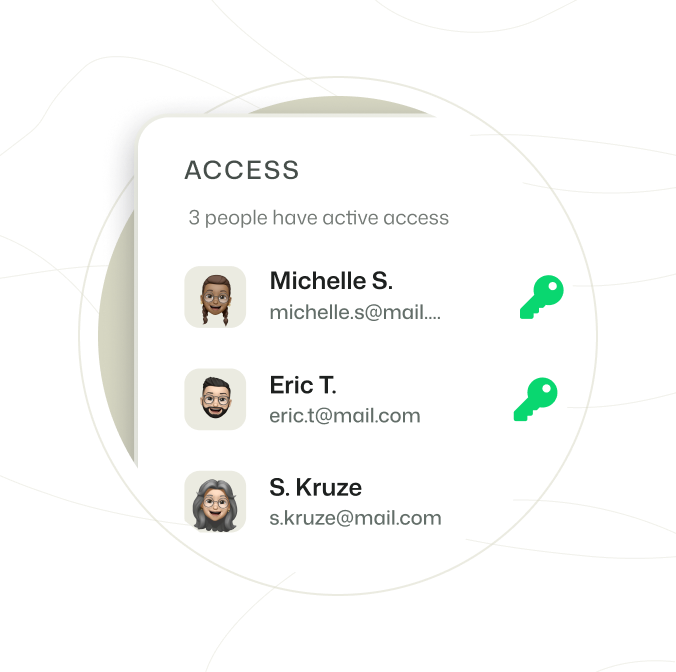
BEX Kiosk: pay and access
No extra system to manage

One connected system

Kiosk bookings go straight into BEX PMS, with the same live availability as your website. No double bookings, nothing extra to integrate.

  • Fully integrated with BEX PMS and BEX Payments
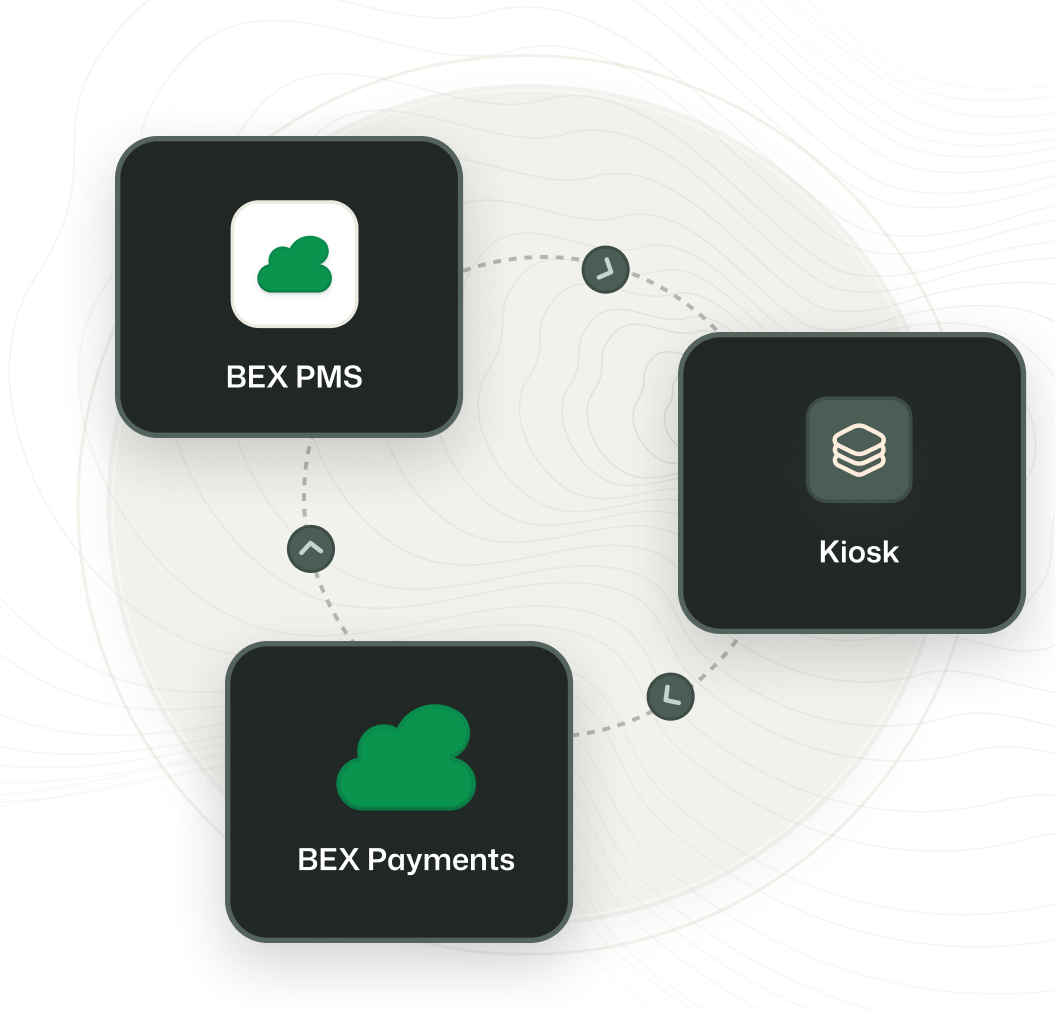
Group 291

How does it work?

Step 1

Choose

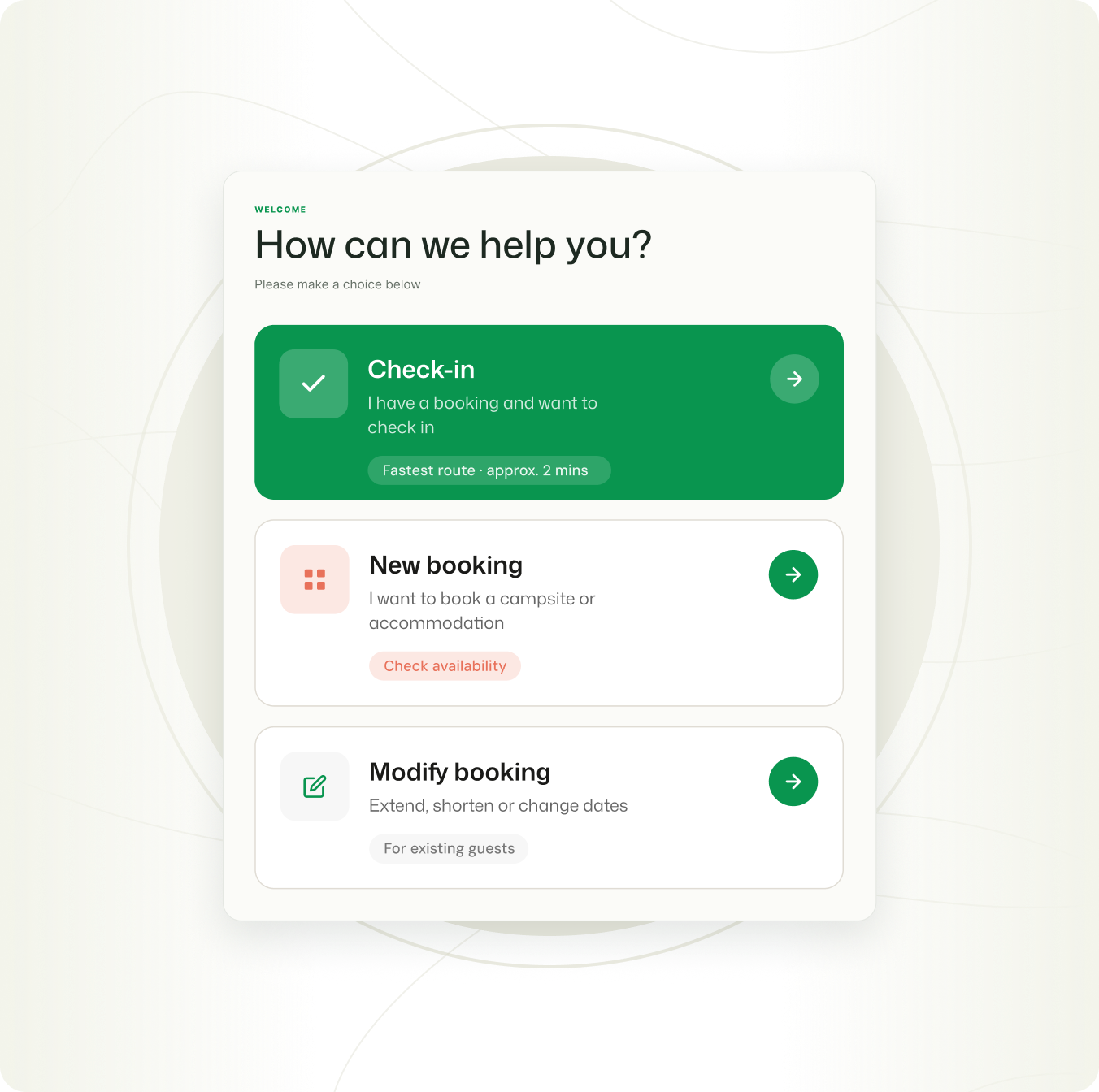
Choose on the Kiosk what you want to do:
  • Check-in

  • Book

  • Extend or shorten your stay
Available in seven languages.
BEX Kiosk - Choose
Step 2

Booking

Find or make your booking
  • Search your name or booking number to check-in 

  • Create a new booking on the BEX Kiosk
  • Search your name or booking number to change the duration of your stay 
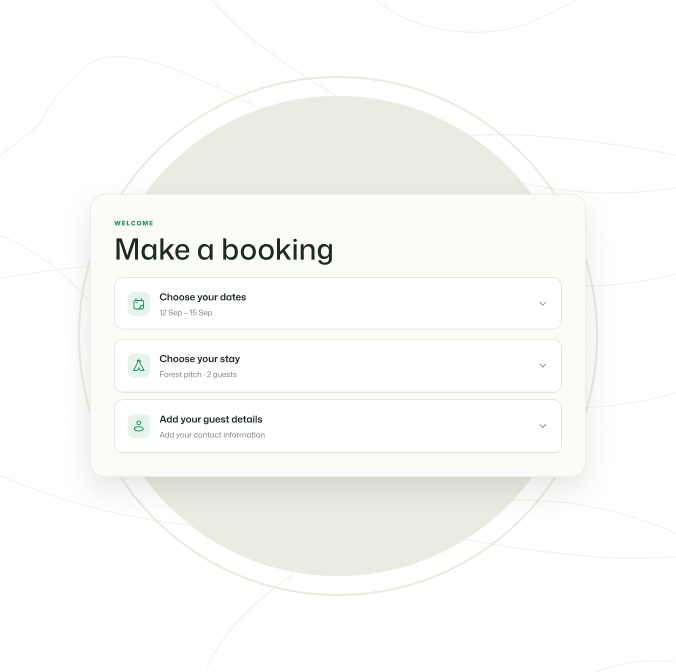
 
BEX Kiosk: book
Step 3

Confirm & pay

Confirm your booking (changes) and pay with BEX Payments
  • Add your guest details to the booking

  • Register your licence plate for access to the park
  • Pay for your booking or the changes with BEX Payments
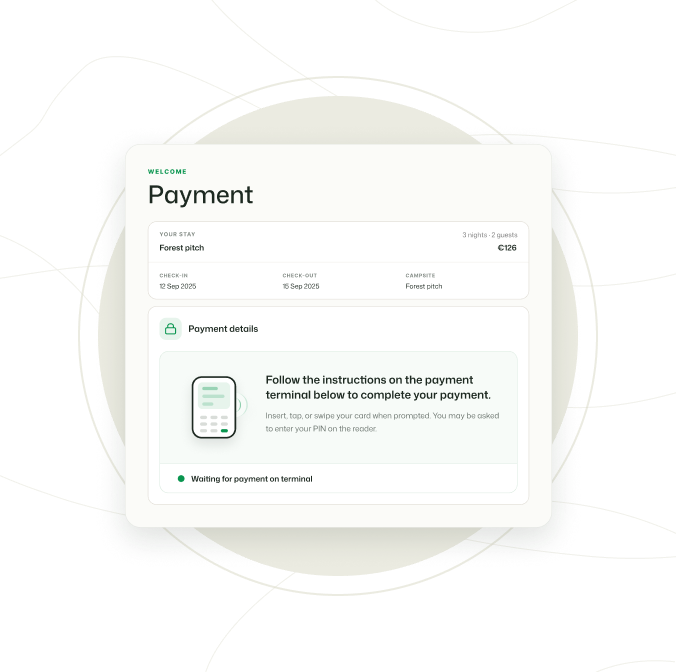
 
BEX Kiosk: BEX Payments
Step 4

Access

Get access to the park right from the BEX Kiosk
  • Get direct access with a digital code 

  • Drive right onto the park with gate access
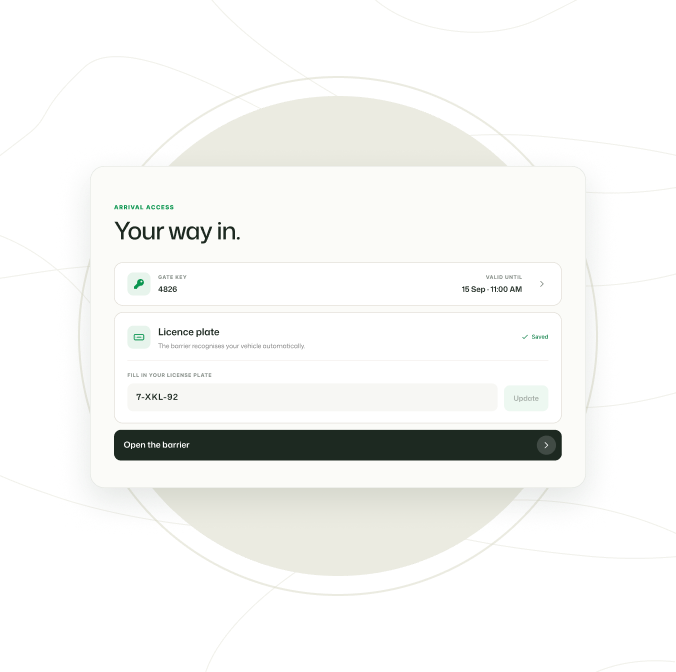
BEX Kiosk: access

Kiosks for the leisure industry 


Frequently Asked Questions


Both. Place the BEX Kiosk at the reception indoors or at the gate outdoor. The outdoor version is built for all weather conditions.
Our hardware partner, RECRA Solutions, advises on, configures and installs the kiosk. Booking Experts provides the software, PMS connection and payments.
Payments run through BEX Payments, the same as the rest of your park, and reconcile automatically.
Yes. The BEX Kiosk is fully customizable. From digital screens to its colors, all can be tailored to your branding.

RECRA Solutions is our partner for the hardware of the BEX Kiosk. They deliver, advices on, configures and installs the kiosk. 

RECRA Solutions makes self-service more easy. They deliver kiosks for campsites, holidays parks, receptions and hospitality. 


Your reception, open 24/7.

Could self-service work at your park?

See the BEX Kiosk in action.